SSJMan wrote:YOU D*CK! All you did was Take my Screen caps and modify them yourself. I looked at them and it has the same god d@mn Compression marks that Mine had. GET A GOD D@&N LIFE!!!!!!
Don't know who deleted your post (if it was you since it was the newest post or if it was a staff memeber), but felt I'd comment on it anyways since I saw it before it was deleted. (Which turns this reply into an action packed double post!)
Thanks for confirming that you don't know what you are talking about.
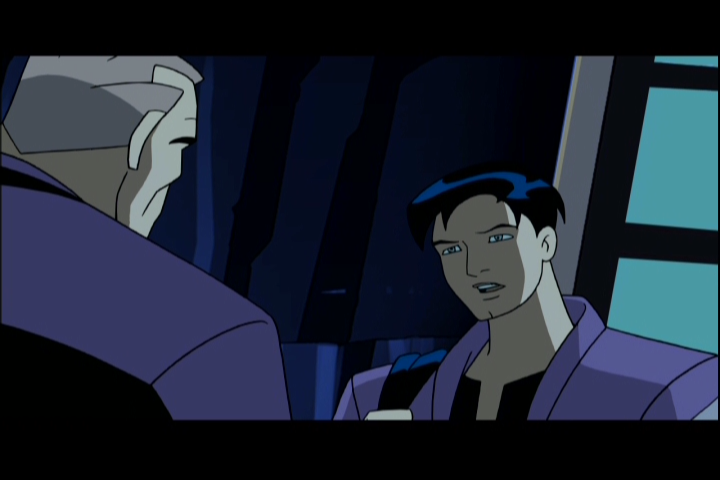
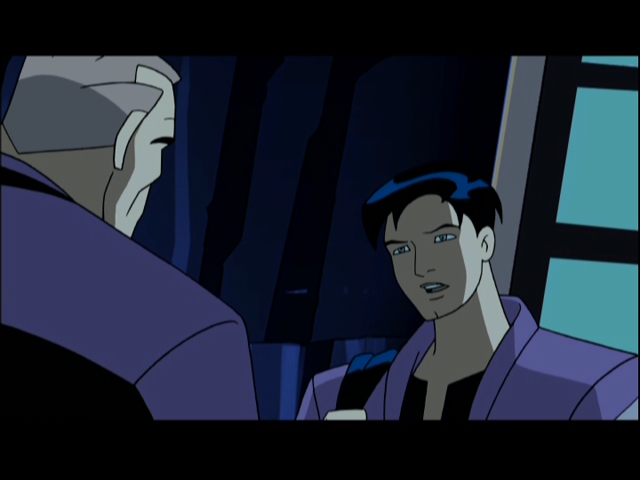
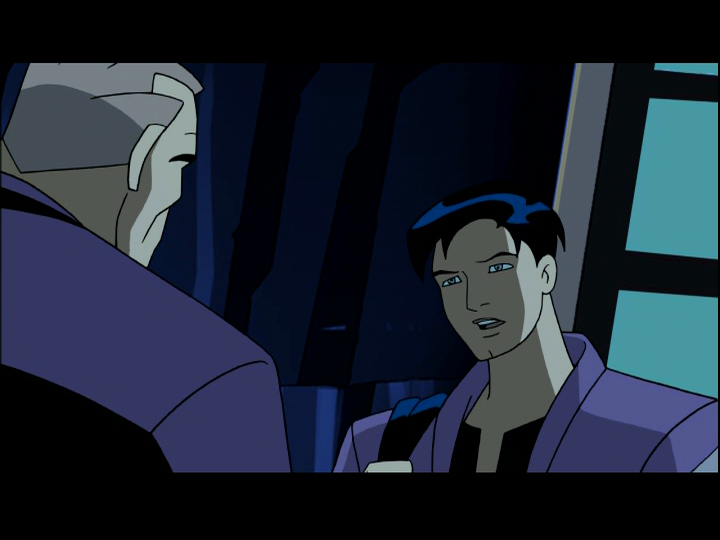
The 4 different captures I took were from 3 different players.
http://db-destiny.net/batman-nativedvd.png and
http://db-destiny.net/batman480.png are from MPC-HC. I took the native capture and modified it to 640x480 in Photoshop to correct for aspect ratio flaws.
I was able to get the same frame in Mulder's Mplayer for Windows (SMplayer frontend) which captured at 720x540 (
http://db-destiny.net/batman540.png )
The commercial player was TMT5 which doesn't have a frame by frame move, so I had to get as close as I can. And it's obvious it isn't the same frame (
http://db-destiny.net/batman-commercialplayer.jpg )
MPC-HC and Mulder's I attempted to frame match the DVD cap you took for the second DVD shot you put up (and believe I succeeded.) And looking at them all side by side it appears I did. TMT5 I couldn't as I mentioned.
Looking at your cap and mine from MPC-HC and Mulder's side by side I don't know how you can believe all I did was modify your capture, the quality differences are astounding. If you meant I took your BD cap and made it 'appear' to be DVD captures... well that just isn't possible. Neither of your BD caps have Terry's mouth open, and his mouth is open in all my caps.
So perhaps as a professional you can clarify why you believe I took your screencaps and modified them.


 I have never once acted that way in my life. I accused you of doing something you did not do. Please forgive me.